
how-to
How to Stream LangChain Responses: Models, Agents, APIs
Stream LangChain output with model.stream(), agent stream_mode messages, and astream_events, then ship tokens…
LangChain applications bring together models, tools, retrieved documents and conversation state. This guide library follows those decisions from the first pipeline to an agent that needs troubleshooting. Start with the components, choose how requests move between them, then work through retrieval and memory. Each article cites documentation or published research and explains the settings behind the example. Use the reading path below to find the layer you are working on, or browse the latest guides further down the page.
Start with LangChain building blocks: chains, tools and agent control for the roles of prompts, model calls, output parsers and retrievers. Work through a request whose steps are known before introducing a model that chooses the next action. Then use LangChain vs LangGraph: agents, state and control flow to compare configuring an existing agent with defining a custom graph. The comparison covers where routing, checkpoints and human approval fit, so you can make those choices alongside the tool interface.
Follow LangChain RAG pipeline setup from loading to retrieval to connect document loading, splitting, embeddings, a vector store and the answer prompt. The walkthrough explains where source metadata belongs and which settings to inspect when the answer cites an unhelpful passage. Continue with LangChain chunk_size and chunk_overlap configuration for character and token units, splitter constructors and an example configuration sweep. Read the pipeline first if the role of the splitter is still unclear; use the parameter guide when you are ready to inspect its output.
The LangChain memory types and ConversationBufferMemory replacements guide maps legacy classes to thread state, checkpointers, stores, trimming and summarization. It separates keeping a conversation from recalling facts across conversations, with code for both scopes. For a local model connection, read how to use LangChain with Ollama for chat, tools and embeddings. That walkthrough covers the integration package, structured output and the handoff between a model's tool request and the application code that executes it.
When a request repeats the same step, misses a tool or produces invalid output, use why LangChain agents loop, skip tools, or fail to parse. The troubleshooting guide organizes checks by symptom so you can inspect the relevant tool definition, output contract or loop setting. Keep the retrieved context and conversation history visible while following the request. Use the LangChain token and agent cost calculator to explore assumptions about prompt length, retrieved chunks and step count as you work through the architecture.
Looking beyond LangChain? See LlamaIndexHub's LlamaIndex vs LangChain comparison for RAG and RAGStackGuide's framework-independent RAG chunking strategy. Read how LangChainGuide prepares its source-backed guides for the editorial approach.
Cut LangChain token spend with prompt caching, bounded history, cleared tool outputs, fewer tool schemas, call limits and model routing.
Read the article →Stream LangChain output with model.stream(), agent stream_mode messages, and astream_events, then ship tokens…
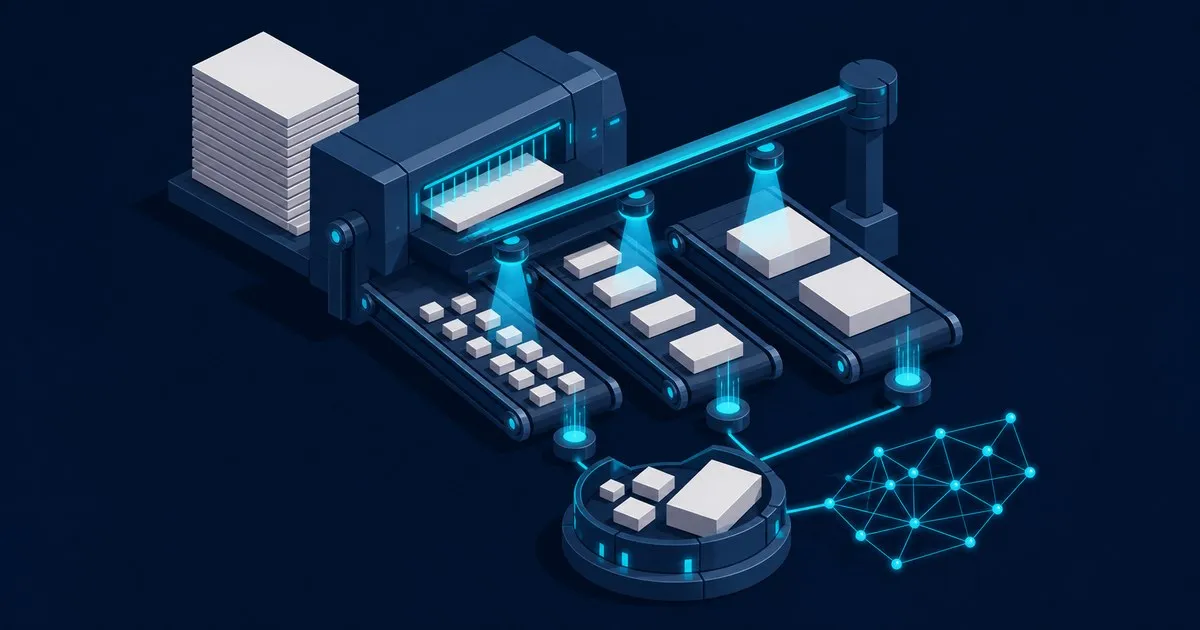
Configure LangChain chunk_size and chunk_overlap, choose character or token units, preserve source metadata, …
This guide compares legacy LangChain memory classes with 1.x checkpointers, stores, trimming, and summarizati…

This guide explains how LangChain connects to Ollama for local chat, streaming, tool calling, structured outp…
Why LangChain agents loop forever, skip tools, pass bad arguments or fail to parse output, and the configurat…

Compare LangChain vs LangGraph for agent loops, state, checkpoints and human approval, with guidance on when …